
1. Select the product and its options
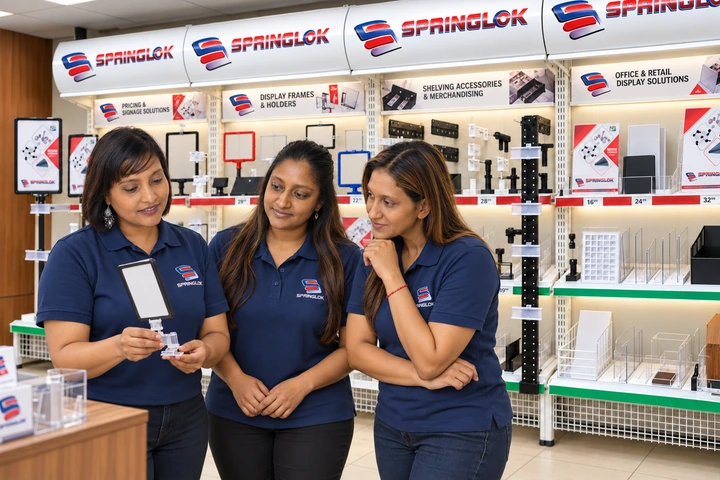
Open the relevant product page and check its description, dimensions and available option information. Choose the listed size and colour that match your brief, enter the required quantity, and select “Add to quote cart”.
If you need an option that is not listed, describe it in the enquiry notes. Include a drawing or reference where useful. An enquiry about a custom option is a request for assessment, rather than confirmation of availability.
2. Explain fit and application
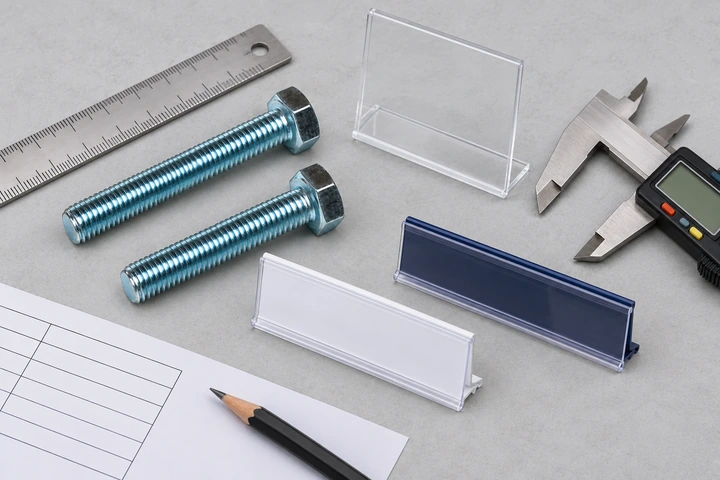
For price strips, include shelf measurements, label size and mounting photographs if compatibility needs checking. For fasteners, provide the relevant drawing and mating-part details. For pool-net accessories, identify the existing system and component.
You can bring requirements from all three divisions into one enquiry. Keep different sizes and colours on separate lines so the quantity for each is clear.
3. Add the delivery requirement
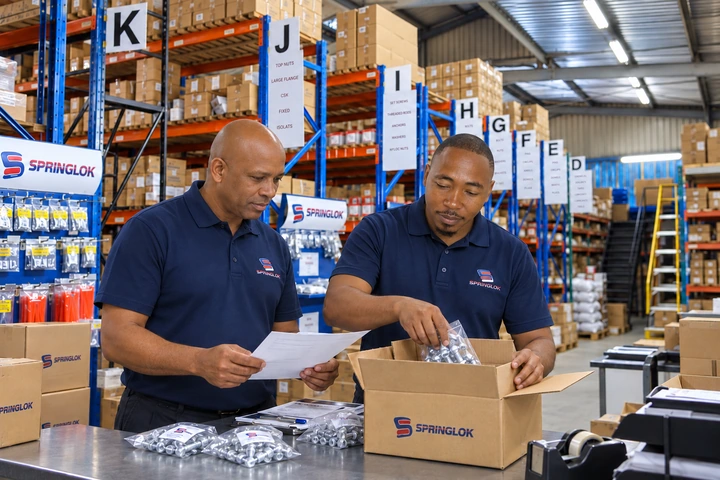
Provide your business contact details, destination and required date. For a store rollout, attach or describe the allocation by site. For an African export enquiry, include the destination country and the receiving business details.
- Product and option schedule.
- Quantities and application notes.
- Delivery or collection requirements.
- Drawings, samples or references that need review.
4. Review the quotation
Submitting an RFQ starts the quotation process. Check the proposed specification, price, availability, timing and delivery arrangements when Springlok responds. Keep any agreed sample or drawing reference with the final quotation before proceeding.